
Help Center & FAQ
Support
Need help with SplitRoulette? We've got you covered.
Getting Started
Learn the basics, setup your first split, and invite friends in minutes.
View articles →
Billing & Pro
Manage your subscription, Apple IAP restore, and unlock Pro modes.
View articles →
Account & Profile
Update display name, profile avatar, custom themes, and account settings.
View articles →
Results & History
Understand split calculations, cooked count stats, and history logs.
View articles →
Frequently Asked Questions
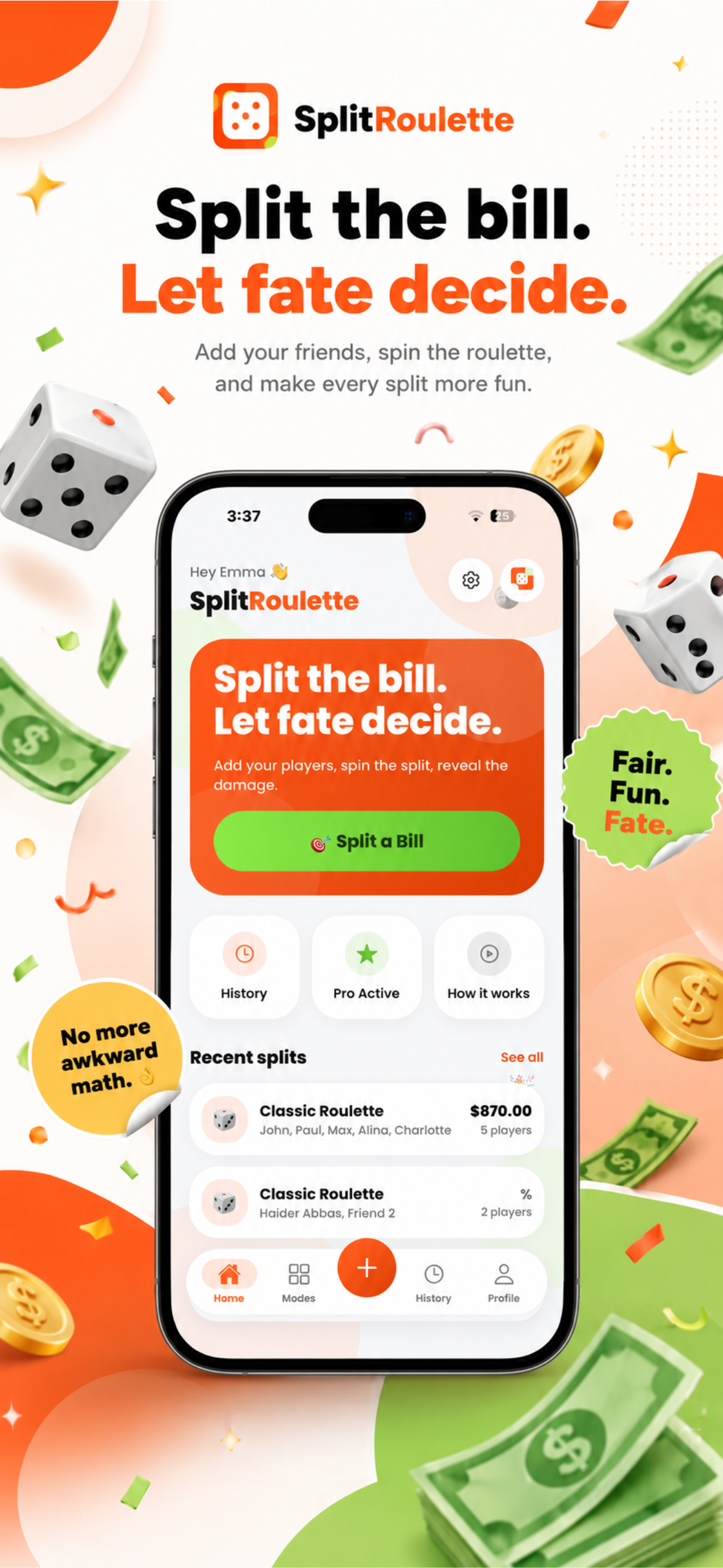
Splitting a bill takes 3 simple steps: 1) Enter the total bill amount and add all player names. 2) Select your desired roulette mode (Classic Roulette, Lucky One, Victim Mode, or Fair-ish). 3) Spin the roulette wheel to calculate and reveal each player's percentage and damage!
Still need help? Contact us
Send us a message directly via your email client.
We typically reply within 24 hours
SplitRoulette iOS App
Explore the app
Get quick in-app help and manage your splits on the go.
Download on theApp Store
🎲 Ready for your next dinner?
Ready to let fate decide?
Download SplitRoulette today and make your next group dinner, party, or trip split unforgettable.
Download on theApp Store
Scan to download